This module's pack
Module 6 pack: your website
The full website template set, plus the skills and guides to ship it.
See what's inside (137 files)
Skills (8)
/alignment-check · /brand-design · /design-system · /flow-deck · /geo-audit · /live-event-page · /pitch-deck · /product-page
Website page templates (36)
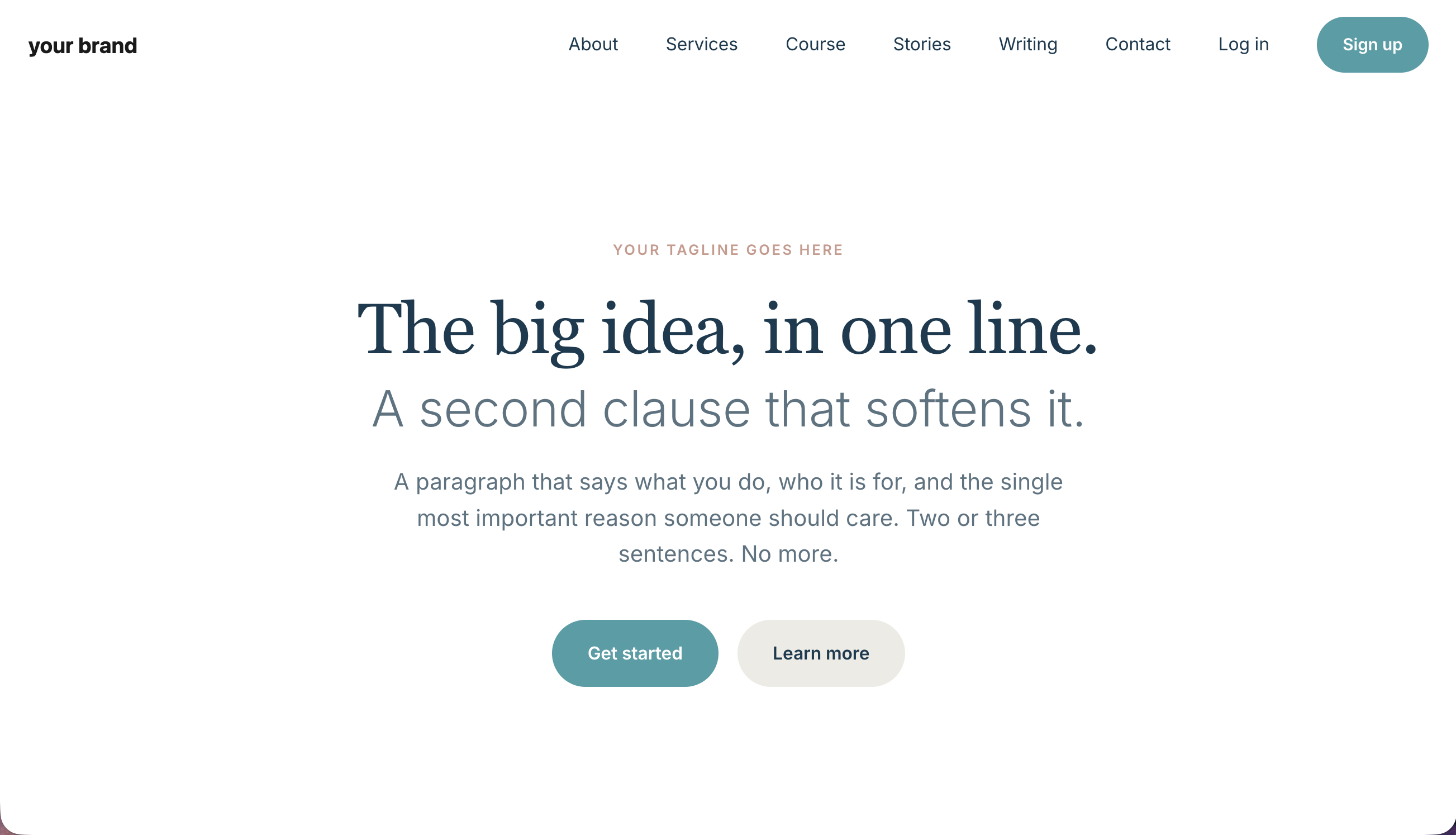
Ready-made HTML pages you plug your brand into. The build guides below walk you through each one.
Email templates (7 + welcome note)
Branded, inline-styled emails ready to send, plus the welcome note that explains them.
Build guides (53)
Step-by-step, one per piece: Building your website · Brand intake · Homepage · About · Services · Event · Start · Client story · Showcase · Contact · Privacy · Terms · Updates · 404 · Newsletter index · Newsletter post · Course home · Module · Lesson · Paid files that stay paid · Video hosting · Recap page · Dashboard · Account · Login · Signup · Reset request · Reset confirm · Confirm email · Email confirm · Sequence day 0 · Sequence day n · Broadcast · Event invite · Event reminder · Event followup · Component library · Tier system · Brand images · Deploy · Account profile · Account password · Account membership · Email prefs · Unsubscribe · Help · Linktree · Pricing · Testimonials · Client stories index · Waitlist · Manifesto · Glossary
Plus (32)
Brand assets and tokens, shared styles and scripts, a README, and the deploy and local-preview scripts.
To install it, open the pack in Claude Code. Unzip it, then open Claude Code in your system folder and ask it to list what you already have before it adds anything. It adds only the files that are new to you and never overwrites your own work: if anything in the pack shares a name with a file of yours, Claude stops and asks you first, before it copies anything. Watch brand/tokens.css and brand/typography.css especially, since those are the two where losing yours means redoing your whole brand. The pack README has the exact words to paste.
Unzipped it and something looks missing?
Your skills install into a folder named .claude. It starts with a dot, so your Mac or PC hides it by default. Nothing is missing. To show hidden files on Mac, press Command + Shift + . (period) in Finder. On Windows, open View → Show → Hidden items in File Explorer.
Before you start
Module 5 built the plumbing. Module 6 builds the visible layer: your pages, the sign-in flow, your emails, the place your course lives. The pack ships 36 page templates and 53 build guides, and most solopreneurs ship 4 to 8 pages and add the rest as they grow. Pick your 4 to 8 before you open anything, and leave the rest in the pack until you have a reason to open one.
Timing follows the number of pages you picked. Each build guide carries its own time estimate at the top, and most fall between 30 and 90 minutes, so add up the guides on your shortlist and that is your estimate. Start with guide 22, brand intake, because every page picks up your brand from that one file, and doing it first means you never restyle a page twice.
What you need on hand
Your Module 5 pack, set up. Every page in this pack opens and looks right on its own once your brand is applied. The wiring behind 18 of them lives in Module 5, where Supabase, Resend and the edge functions are. Until a page is wired, it says on the page that it is not connected yet.
Your brand decisions. Guide 22 takes 30 to 45 minutes and asks for three things: your logo (SVG is ideal, a PNG with a transparent background works), your two main fonts, one for headings and one for body, and fourteen hex colour codes. Settling all of it in one sitting is faster than changing it across the pages you have already built.
A shortlist of pages. Name the 4 to 8 you are shipping this month, in writing, before you build anything. The pack opens all 36 just as easily as it opens 6.
Hosting picked. To deploy you need a host, and picking one is Module 5 guide 20, plus one page finished enough to go live.
👇 After this module
The right pages for your business, in your brand: the sign-in flow, the email sequences, the course release pattern, the dignity of a clean account section. You pick what fits. Everything else waits in the bundle, brand-neutral, ready for when you need it. You own all of it, with nothing to rent.
10 lessons, in order
- Choose the pages your business actually needs, what each page does and how to pick the few that fit you
- Your brand, in one place, edit one file and every page picks it up
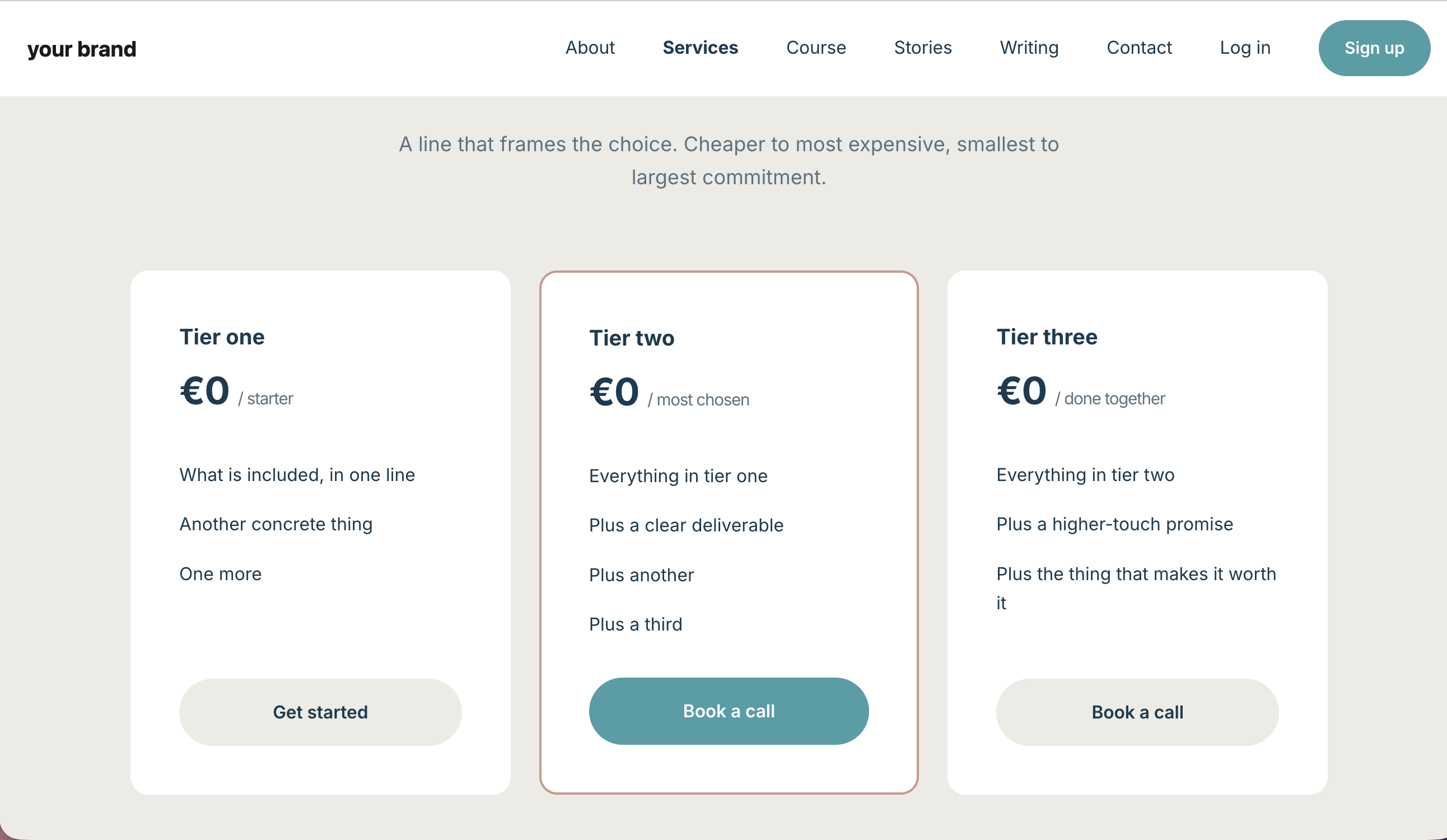
- What you give, what you sell, free, paid, members, what each tier sees
- How members sign up and log in, the four most-clicked links you ship
- Email as a relationship, not a funnel, the first week of emails after someone signs up
- Release your course, drip, cohort, or all-at-once, the choice before you build
- Your account area, with care, profile, password, billing, how members manage themselves
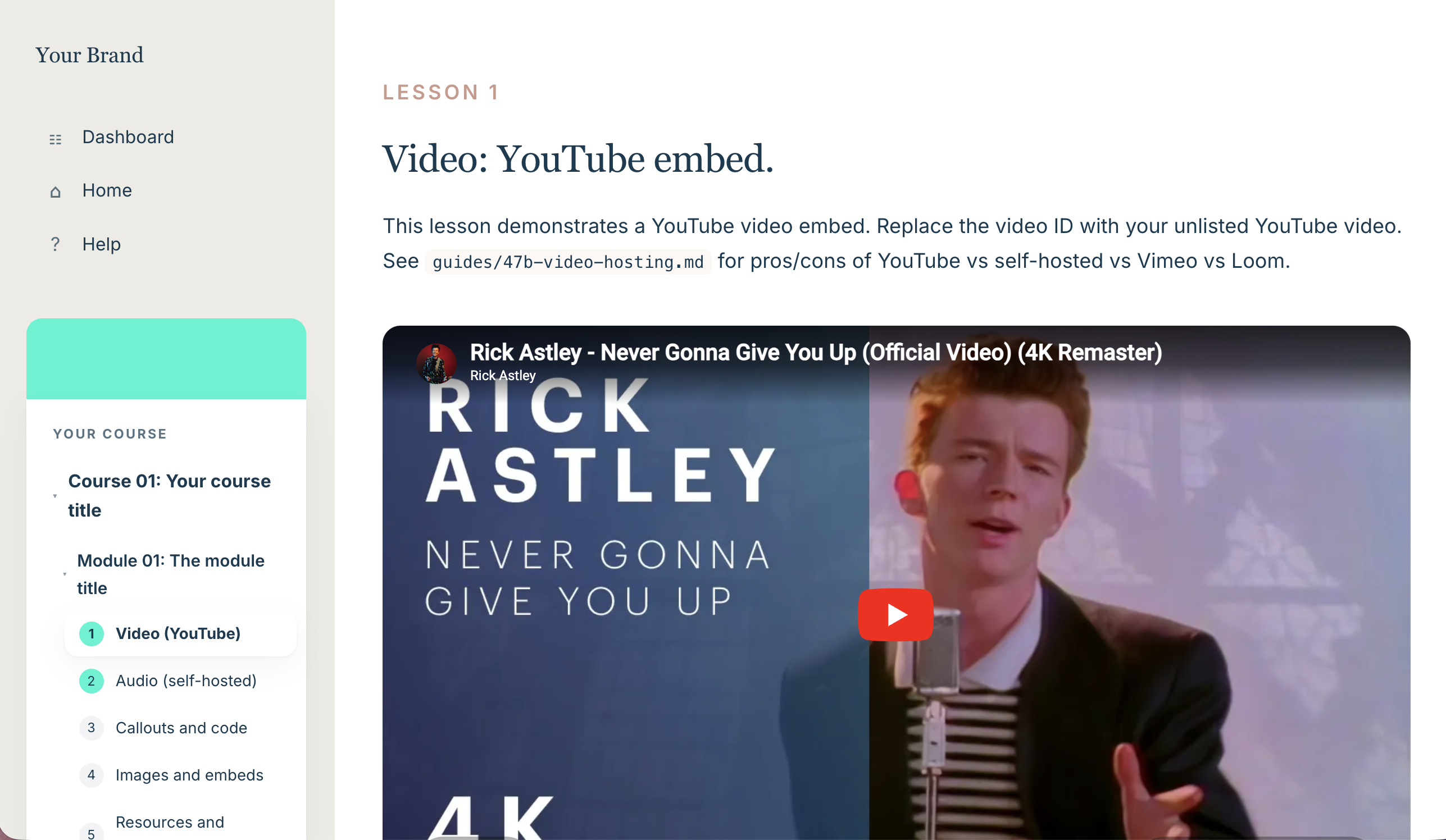
- Lessons that breathe, video, audio, callouts, code, downloads, the elements that make a lesson land
- Turn one recording into many, the asset you already have
- Make it feel like an experience, the motion, texture, and polish that make a site feel built, not generated
What you walk away with
- Homepage, about, services, contact, lead magnet, event, showcase, client story, newsletter, updates, 404, privacy, terms (the marketing layer)
- Login, signup, password reset, email confirm (the sign-in layer)
- Dashboard, account hub, profile, password, membership, email preferences, help, leaving page (the member layer)
- Course homepage, module pages, lesson navigation (the course layer)
- 7 inline-styled email templates (confirm, Day 0, Day N pattern, broadcast, event invite, event reminder, post-event follow-up)
- Tier system: a 5-RPC gating pattern (the migration ships in your Module 5 pack)
Why this matters
In Module 5 you wired the plumbing. In this module you build the visible layer. The pages your audience actually touches, the emails they receive, the buttons they click. The judgments people make about your business are made here.
Start here
Lesson 1: Choose the pages your business actually needs →