This module's pack
Module 4 pack: your dashboard
The skills that turn your accumulated data into a live dashboard.
See what's inside (12 files)
Skills (4)
/about-page-builder · /dashboard-builder · /kanban · /patterns
Build guides (2)
Step-by-step, one per piece: Dashboard setup · Time tracker
Dashboard (1)
A ready-built dashboard with every tab, including the Time tab. Opens offline by double-click.
Time tracker (1)
The same timer as its own open-and-use page, if you ever want it outside the dashboard.
Unzipped it and something looks missing?
Your skills install into a folder named .claude. It starts with a dot, so your Mac or PC hides it by default. Nothing is missing. To show hidden files on Mac, press Command + Shift + . (period) in Finder. On Windows, open View → Show → Hidden items in File Explorer.
👇 After this module
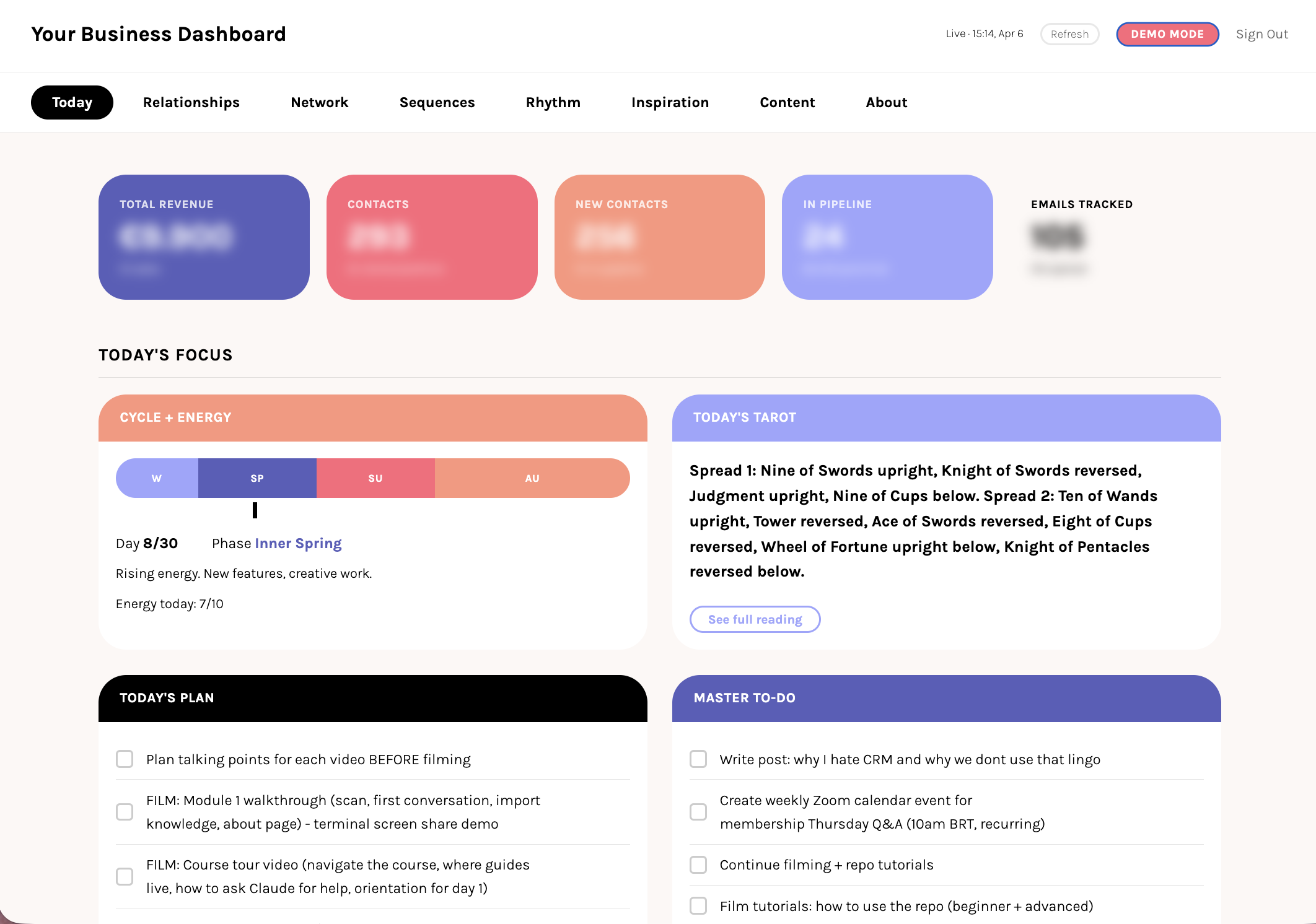
Your dashboard is live with your real data. You can see your system working. Part 1 is complete.
What you'll do in this module
- Build your dashboard, run the audit and get the live view of your system running on your machine
- Open it, and open it again tomorrow, how to open it, the daily loop, and what to check when it does not look right
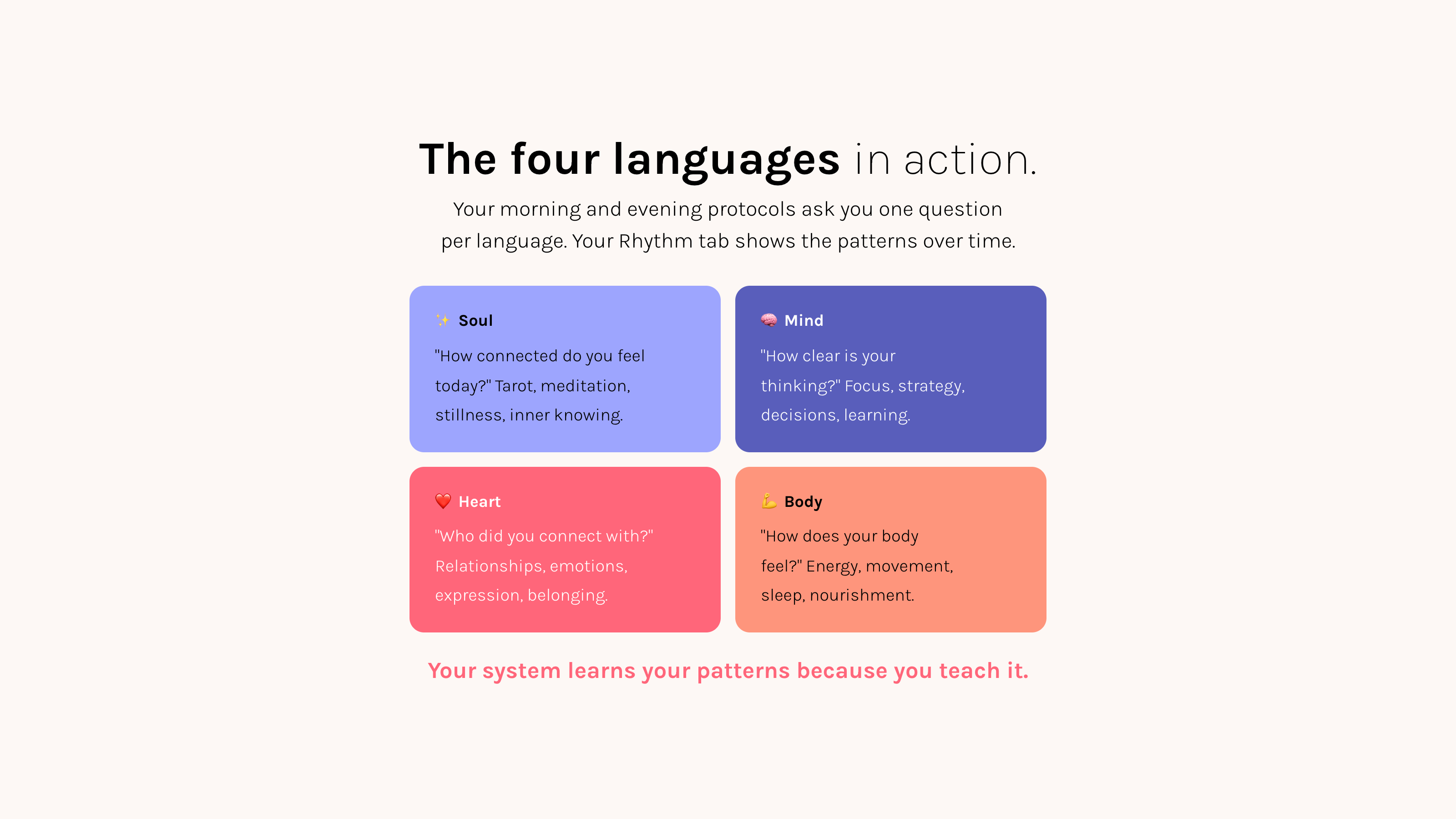
- Your day and your rhythm, your tasks, energy, and work board today, and your patterns over time
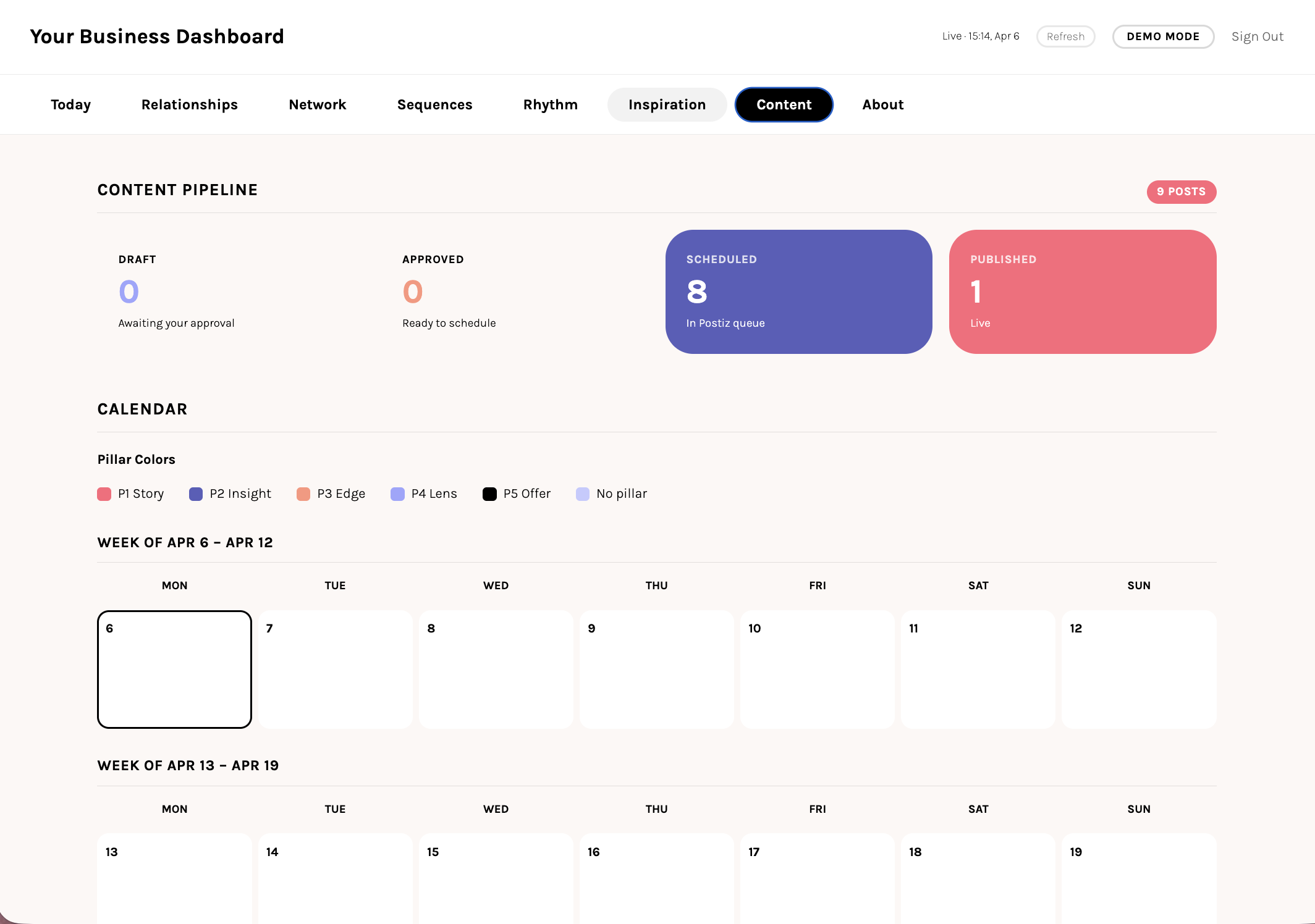
- Your people and your words, light up the Relationships, Network, Inspiration, and Content tabs
- Make it yours, add a tab, remove one, recolor it, and switch on the About and Time tabs
- The complete picture, every tab populated with your real data, plus your Part 1 checklist
- What comes next, see where Part 2 takes you once your foundation is solid
What you'll leave with
- Your dashboard live with real data, not a template
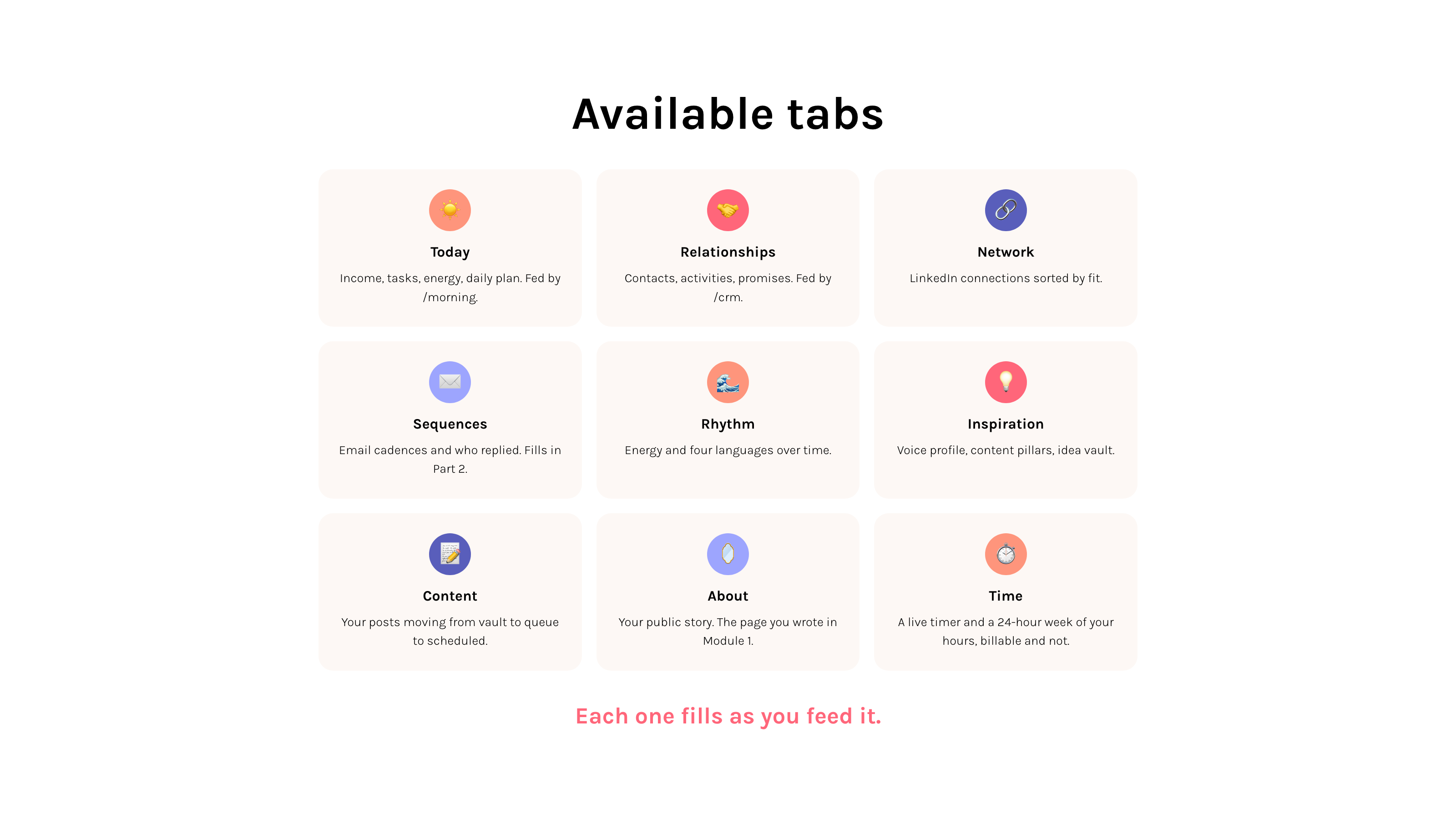
- Every tab populated: Today, Relationships, Network, Rhythm, Time, Inspiration, Content, About
- A Time tab: a consultant time tracker with a live timer and a 24-hour week calendar of your hours, billable and non-billable
- A daily workflow that loops through morning protocol, the dashboard, and evening reflection
- The full picture of your root system, visible at a glance
- Part 1 complete and a clear view of what Part 2 builds on top
Why this matters
Everything you built in Modules 1 to 3 lights up here. The dashboard becomes the mirror, your real system, reflected back.
Start here
Lesson 1: Launch your dashboard →
When you finish Part 1, where you started is still fresh. That makes it the best moment to tell it. Five questions, and your answers come back as your story, yours to approve or edit. Record it as a short video too and you get a free 60-minute call with Maaria. 🌱
Tell your story